Top 5 Best Launchers for Meeye and Meeyo Icon Pack (2026)
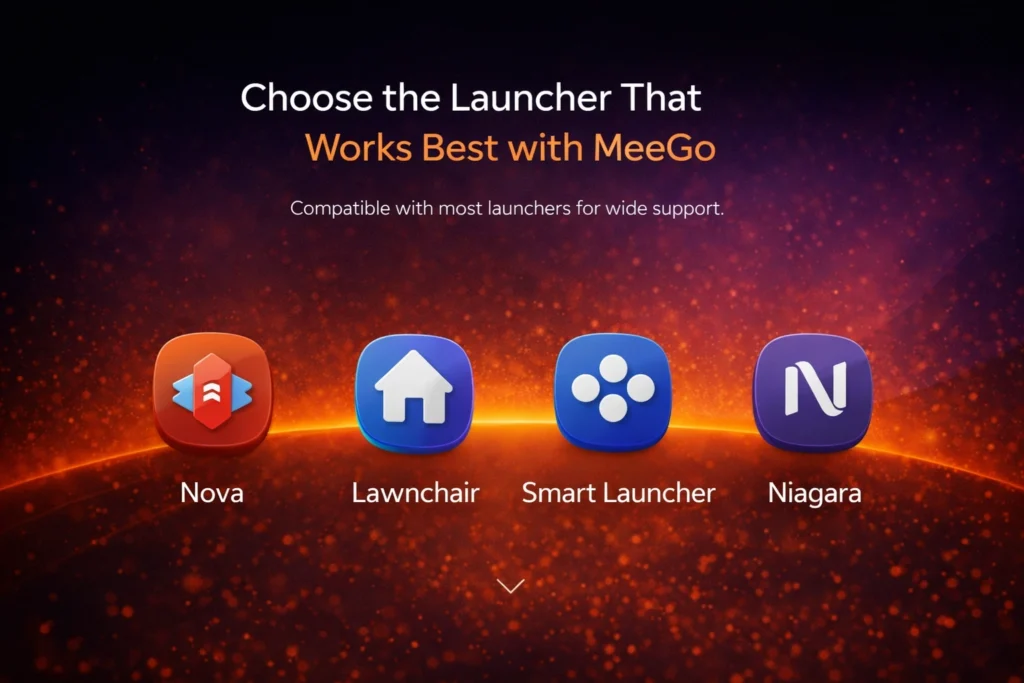
If you’ve downloaded the MeeGo Icons , the next question is how to apply it? You need a launcher to setup these icons on your Android phone. Default phone launchers often don’t support icon packs or have limited customization options. If you want that classic Nokia N9 nostalgia on your Android, you need a compatible launcher that can bring out the beauty of the Meeye and Meeyo icons.
Which Launcher should I use?
We’ve tested a lot of launchers and compiled a list of the top 5 launchers that are best for our modern squircle icons in 2026.
Nova Launcher (The All-Rounder King)
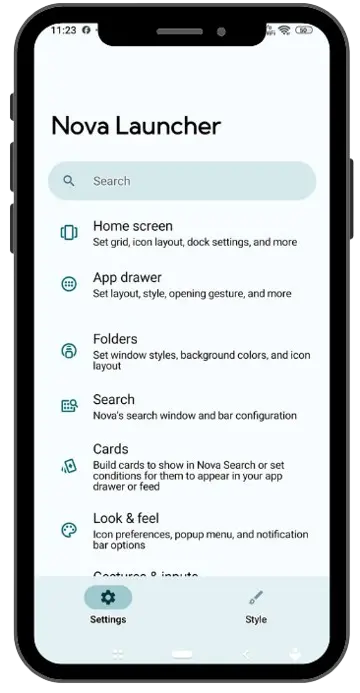
Nova Launcher has always been the king of Android customization. If you’re using MeeGo icons, Nova allows you to control the size and shape of each icon.
Why it’s best: It has an “Icon Normalization” feature that sets all icons to the same size, which is essential for the MeeGo style.
MeeGo Tip: Go to Nova’s settings and set the icon size to 115% and disable “Shadow” to maintain a flat look.
Niagara Launcher (Clean & Minimalist)
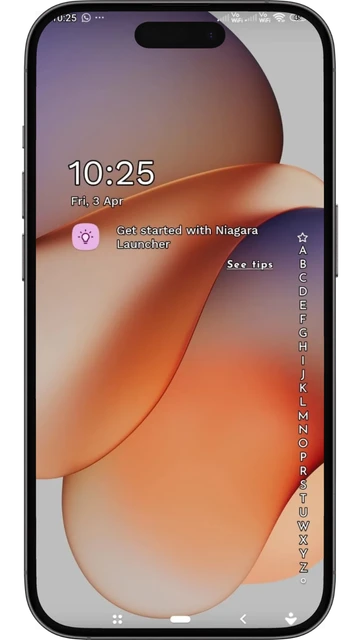
If you don’t like too much clutter and want a modern approach, there’s nothing better than Niagara Launcher. This launcher runs on a list-style interface.
Why It’s Best: The MeeGo icons in Niagara look very premium because they take up very little screen space and the focus is solely on the quality of the icons.
Best For: Users who want their phone to look clean and professional.
Smart Launcher 6 (Automatic & Smart)
The new version of Smart Launcher divides icons into categories. MeeGo’s philosophy was also about staying “organized,” so this match is a great fit.
Why it’s best: This launcher automatically picks colors from your wallpaper (Material You support), which creates a strong contrast with our MeeGo-style wallpapers.
Key Features: Android Customization, Smart UI, Modern Design.
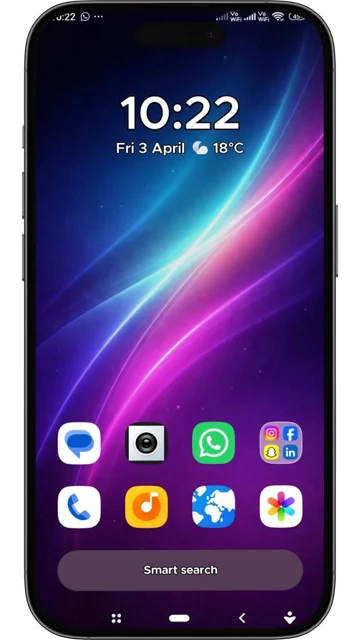
Hyperion Launcher (The Sweet Spot)
Hyperion is for those who want a clean, neat look like Pixel but need full icon pack support.
Why include: This launcher is specifically designed for icon packs. The adaptive shape feature of Meeyo icons works wonders. It’s a great alternative to Lawnchair because it’s more stable and supports all kinds of custom icons.
Flat Design: Its interface is very flat and clean, which, combined with our squircle icons, creates a premium feel.
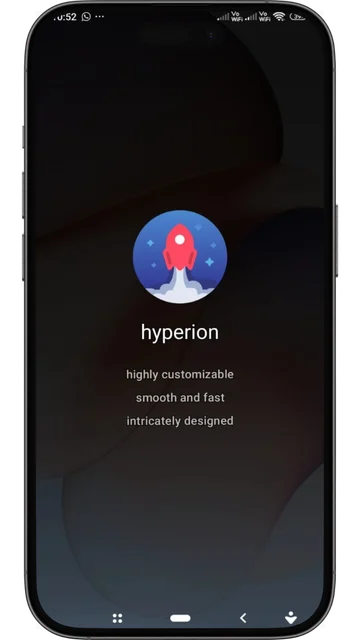
Action Launcher (The Customization Powerhouse)
Action Launcher is great for users who want a Nova-like experience but with some extra “modern” features.
Why Include: This launcher has very solid support for MeeGo and MeeGo icons. Its “Quicktheme” feature auto-adjusts the folder and search bar to match your wallpaper colors.
MeeGo Vibe: It features “Shutters” and “Covers” that make swipe-based interactions much better, just like the Nokia N9.
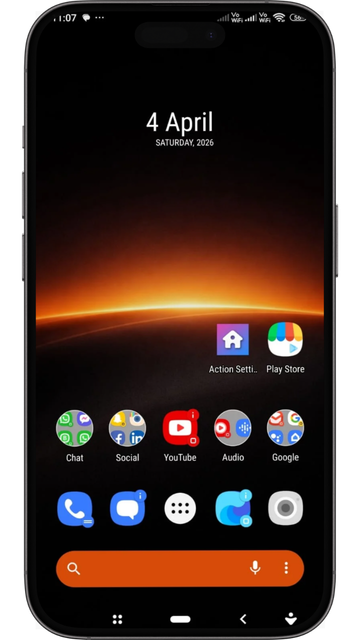
Quick Comparison
| Launcher Name | Best Style For | Meeye/Meeyo Support | Performance |
| Nova Launcher | Classic Customization | High (Custom Scaling) | Very Smooth |
| Niagara Launcher | Modern Minimalist | High (Adaptive List) | Super Fast |
| Smart Launcher 6 | Aesthetic & Smart | High (Auto-Theming) | Smooth |
| Action Launcher | Feature Rich / Quicktheme | Full Support | Smooth |
| Hyperion Launcher | Stable Pixel Look | Full Support | Lightweight |
Tips for Setting Meeye and Meeyo Icons Correctly
Installing a launcher isn’t enough. For a professional look, be sure to check these things:
Icon Masking: Always check that the launcher supports “Icon Masking.” This will make even apps that don’t have icons in the icon pack appear in a squircle shape.
Grid Size: Always keep the desktop grid 5×5 or 6×5 so there’s adequate space between icons.
Label Hide: If you want a clean look, hide the “Names” (Labels) below the icons. MeeGo style icons are unique.
Conclusion: Which Launcher to Choose?
Ultimately, it depends on your preference. If you want to refresh old memories, use Nova Launcher with our classic wallpapers. If you want a modern look for 2026, Niagara Launcher is the best.