Meeye Icon Pack Not Applying? 10 Common Issues & Easy Fixes
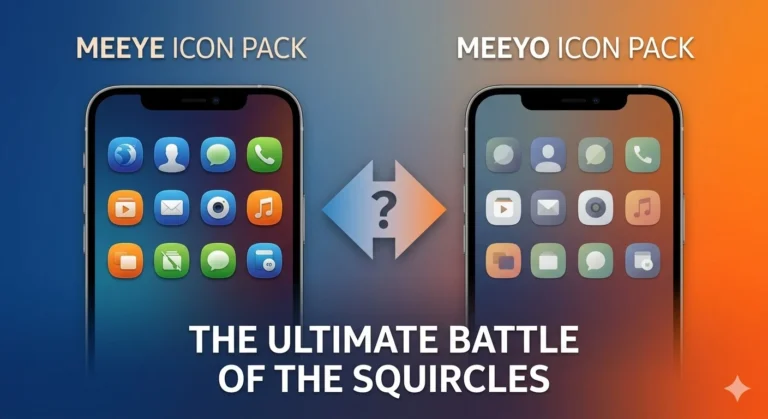
If you downloaded and applied the Meeye or Meeyo Icon Pack, but the icons aren’t changing on the home screen, app drawer, or dock — you’re not alone. This is a very common problem, especially with Nova Launcher, Smart Launcher users.
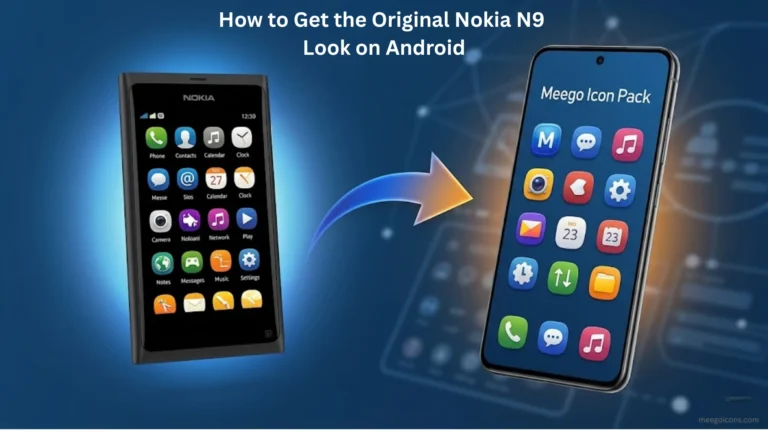
Sometimes just changing one small setting can restore the entire Nokia N9 squircle look. We have listed the 10 most common issues and their step-by-step fixes. Everything is practical, explained in details, so you can solve the problem in 5 minutes.
Check This First (Quick Diagnosis)
First, confirm these 3 basic things:
- Are you using a supported launcher? (Nova, Smart Launcher, Lawnchair, etc.)
- Is the icon pack properly applied or just installed?
- Did you restart your phone after applying it?
If the above is fine but the issue still persists, you may be dealing with one of the following issues.
1. All icons remain the same even after the icon pack is applied
This happens a lot in Smart Launcher and Lawnchair.
Fix:
Go to Launcher settings → Icon Pack section → select Meeye/Meeyo → click Apply again. Then force stop the launcher (Settings → Apps → Launcher → Force Stop) and restart the phone.
2. Icons for new apps don’t change (remains the default Android icon)
This is most common in Nova Launcher when the “Add icons to home screen” option is on.
Fix:
Nova Settings → Look & Feel → Icon Style → uncheck “Add icons to home screen.” Then install the new app and manually long-press and select from Edit → Icon pack.
3. Launcher Cache Is Old
The Android launcher saves old icons in the cache.
Fix (Most Powerful):
Nova Launcher: Settings → Advanced → Reset icon cache
Smart Launcher: Settings → Appearance → Reset icon cache
Lawnchair: Long press home screen → Settings → Reset
Clear the cache and then restart the launcher.
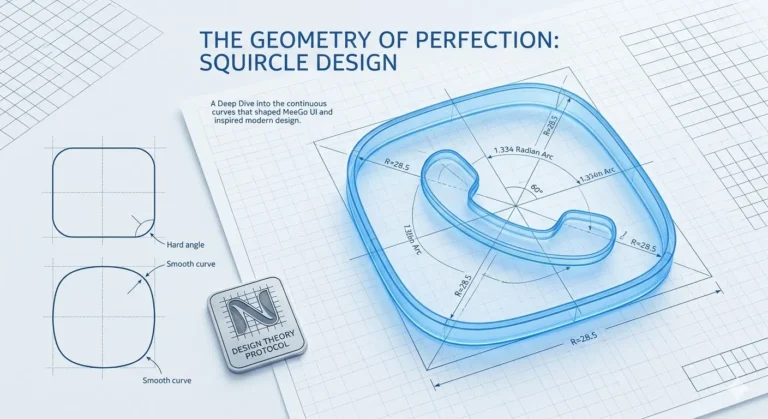
4. Problem due to Adaptive Icons being on
On Android 8+, the squircle shape isn’t visible due to adaptive icons.
Fix:
Go to Launcher settings → Adaptive Icons or Icon Shape section → Enable Legacy or Force Square mode. This is required for the Meeye/Meeyo squircle style.
5. Dock and Folder Icons Won’t Change
This happens frequently in Nova Prime and Smart Launcher.
Fix:
Go to Dock settings → Icon Style → select Meeye/Meeyo. Long-press the folder icon for the folder → Edit → Change Icon.
6. Icons disappear after a phone restart.
In some phones (Samsung, Xiaomi, OnePlus), system optimization resets the icons.
Fix:
Restart the phone.
Make the launcher the default launcher (Settings → Apps → Default apps → Home app).
Then apply Meeye/Meeyo again.
7. Default icons remain even after applying an icon pack
This happens when you’ve only “installed” an icon pack, not applied it.
Fix:
Find the Icon Pack or Theme section in the launcher’s main settings and explicitly select Meeye or Meeyo. Simply installing it won’t work.
8. Extra Restrictions on Samsung / Xiaomi / OnePlus
These phones’ built-in launchers (One UI, HyperOS) don’t fully support Meeye/Meeyo.
Fix:
Install a third-party launcher (Nova or Lawnchair) and set it as the default.
9. Missing App Icons (Some Apps Don’t Have Icons)
Meeye and Meeyo have over 5400 icons, but sometimes icons for new apps may be missing.
Fix:
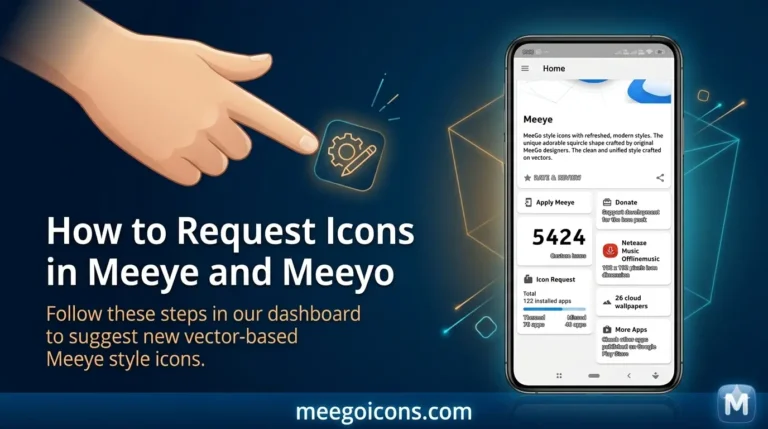
Our site has a dedicated page → How to Request Custom Icons in Meeye & Meeyo.
Request from there. Developers often add updates every 1-2 weeks.
10. Icons don’t change after icon pack updates.
Old icons remain after downloading a new version.
Fix:
Uninstall the old version → clear the cache → apply the new version. (We’ve written a separate post on this topic: “How to Use Obtainium or GitHub for Latest Meeye / Meeyo Updates” — publishing soon.)
Prevention Tips – Avoid future problems
Always use Nova Launcher Prime or Smart Launcher Pro (the free versions also work, but Prime is smoother). Restart your phone immediately after applying the icon pack. Reset the cache after every update. Download Meeye and Meeyo Icons from our site to get the original and virus-free file (VirusTotal scan is 0/39 clean).
What should I do if you still have an issue?
Leave your launcher name and phone model in the comments section. We’ll reply personally with the exact fix.
To download Meeye and Meeyo Icon Pack now, go to the → Download section. Both packs have separate direct APK links, VirusTotal verified and safe. If you want the perfect look of the Nokia N9 squircle style, bookmark this post – sometimes just one setting change transforms the entire setup.
Are you having a specific issue? Let us know in the comments. We’re here to help.